
Download BriskBard – Fast Free Windows Browser with Integrated Apps
Overview
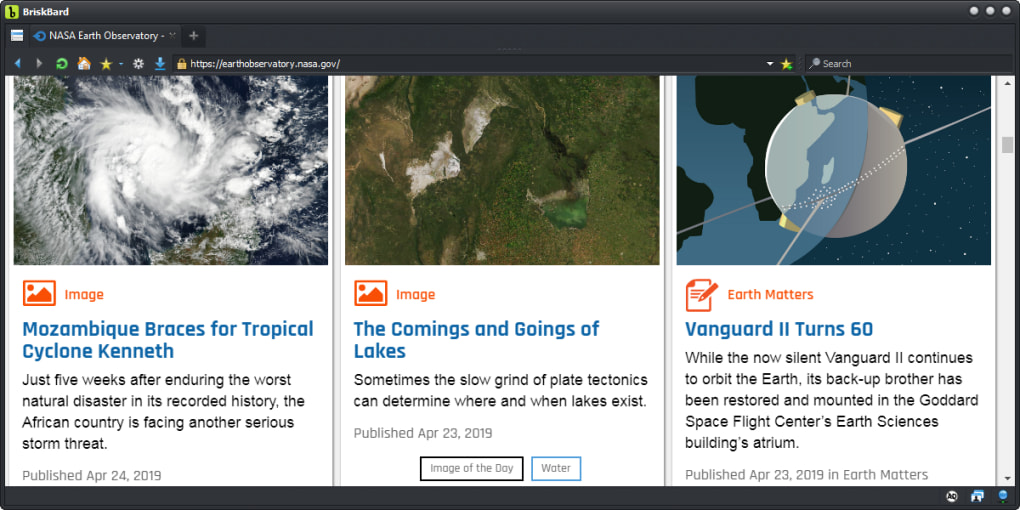
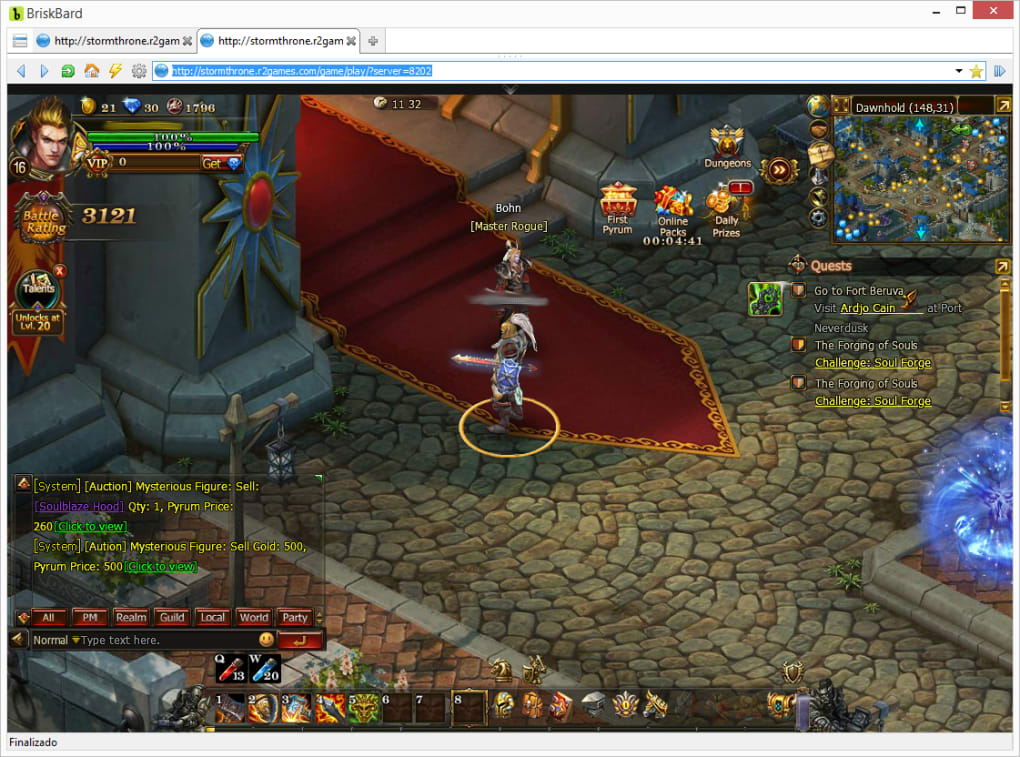
BriskBard is a free, Windows‑only web browser created by indie developer Salvador Diaz Fau. Unlike traditional browsers that focus solely on page rendering, BriskBard packs ten essential Internet utilities into a single, streamlined interface. The core idea is to let power users finish their daily online tasks—email, newsgroups, IRC chat, FTP transfers, contact management, media playback, RSS aggregation, and more—without hopping between separate programs.
By consolidating these services, BriskBard promises to shave minutes, if not hours, off a typical workday. Its design leans heavily on a clean, multi‑tabbed layout that feels familiar to anyone who has used modern browsers, yet it adds a row of contextual buttons that instantly launch the built‑in tools. The browser also supports customizable colour tags, quick‑access shortcuts (who.is, telnet, name resolver), and full‑featured bookmark handling.
Because all features live inside the same executable, updates are delivered as a single package, reducing the maintenance overhead that comes with juggling dozens of independent applications. In short, BriskBard positions itself as a “one‑stop shop” for anyone who spends a lot of time online and values speed, security, and simplicity over a fragmented workflow.
Feature Deep Dive
- Integrated Email Client – Supports POP3, IMAP, and SMTP, allowing you to send and receive messages without leaving the browser.
- Built‑in FTP Manager – Drag‑and‑drop file transfers, queue management, and full permission control directly from the tab bar.
- IRC & Newsgroup Channels – Real‑time chat rooms and NNTP newsgroups are accessible via dedicated side panels.
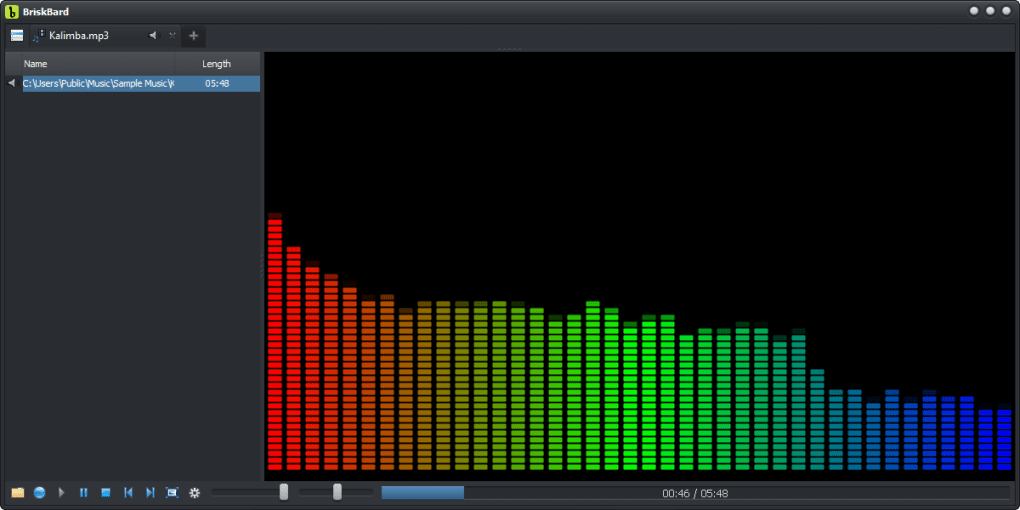
- Media Player – Play local audio files or stream video from any site without opening an external player.
- RSS/Atom Aggregator – Subscribe to feeds with a single click on the orange feed icon; headlines appear as on‑screen notifications.
- Quick‑Access Utilities – One‑click shortcuts to who.is, telnet, DNS resolver, and a contact organizer.
- Customisable Colour Tags – Assign colours to tabs, services, or client windows for instant visual identification.
- Advanced Bookmark System – Hierarchical folders, drag‑drop ordering, and sync‑ready export.
- Secure Sandbox Environment – Each integrated tool runs in an isolated sandbox to minimise security risks.
- Automatic Updates – The browser checks for patches and feature upgrades daily, delivering a single, cohesive update file.
Installation, Setup & Compatibility
Getting BriskBard up and running is intentionally straightforward. The installer is a lightweight .exe file that can be downloaded from the official website. Follow these steps:
- Visit briskbard.example.com/download and click the “Download for Windows” button.
- When the file finishes downloading, double‑click the installer. Windows SmartScreen may warn you; confirm that you want to proceed because the file is signed by the developer.
- The wizard will ask you to choose a destination folder. By default it installs to
C:\Program Files\BriskBard. You can change this if you prefer a custom location. - During the setup you’ll be offered optional components such as the media codec pack and extra language packs. Tick the boxes that match your needs and click “Next”.
- Click “Install” and wait for the progress bar to complete. The installer will also add a desktop shortcut and a start‑menu entry.
- Launch BriskBard. The first run wizard walks you through configuring the integrated email client, FTP credentials, and preferred RSS feeds. All settings are stored in a local
config.jsonfile, which can be manually edited for advanced users.
BriskBard is built for Windows 7, 8, 10, and 11 (both 32‑bit and 64‑bit). The application leverages native Windows APIs for networking and rendering, which means you’ll see optimal performance on supported versions. While the developer has not released a macOS or Linux build, the codebase is open‑source, and community ports are occasionally discussed on the official forum. Minimum system requirements are modest: a 1 GHz processor, 512 MB RAM, and 200 MB of free disk space. Because BriskBard combines many utilities into a single process, you’ll notice lower overall memory consumption compared to running separate programs for each task.
Pros, Cons, FAQ & Final Verdict
Pros
- All‑in‑one solution eliminates the need for multiple independent apps.
- Fast, native Windows rendering engine ensures quick page loads.
- Integrated tools (email, FTP, IRC, media player) are fully functional and constantly updated.
- Custom colour tags and quick‑access buttons improve workflow efficiency.
- Free to download, with no hidden subscription fees.
Cons
- Limited to Windows; no official macOS, Linux, Android, or iOS versions.
- Feature‑rich interface may feel overwhelming for casual users.
- Occasional bugs reported in the IRC client when connecting to newer servers.
- Advanced configuration requires manual editing of JSON files.
- No built‑in ad‑blocking; users must install extensions manually.
Frequently Asked Questions
Is BriskBard really free?
Yes, BriskBard is 100 % free. There are no hidden charges, premium tiers, or subscription plans. All features are available after a simple download.
Can I import my existing bookmarks?
Absolutely. BriskBard includes an import wizard that supports HTML, JSON, and direct import from Chrome, Firefox, and Edge.
Does the browser support extensions?
While BriskBard does not use the Chrome Web Store, it offers its own lightweight extension framework. A growing library of community‑created add‑ons is available on the official forum.
How secure is the integrated email client?
The email client supports SSL/TLS encryption for both incoming and outgoing traffic. Passwords are stored in an encrypted local vault, and two‑factor authentication can be enabled for supported providers.
Will BriskBard receive regular updates?
Yes. The developer releases monthly patches that address security fixes, performance improvements, and new feature roll‑outs. Users are notified automatically and can install updates with a single click.
Conclusion & Call to Action
For Windows power users who juggle email, FTP, chat, and media playback alongside web browsing, BriskBard delivers a compelling, time‑saving package. Its native performance, extensive feature set, and zero‑cost price tag make it a strong alternative to conventional browsers paired with separate utilities. If you’re ready to streamline your digital workflow, download BriskBard today and experience a faster, more integrated Internet experience.







